
Hyundai Venue (QX): Heating and Air Conditioning / Fan speed control (2)

Turn the knob to the right to increase the fan speed and airflow. Turn the knob to the left to decrease fan speed and airflow.
Setting the fan speed control knob to the “0� position turns off the fan.
NOTICE
Operating the fan speed when the ignition switch is in the ON position could cause the battery to discharge. Operate the fan speed when the engine is running.
Air conditioning (6)
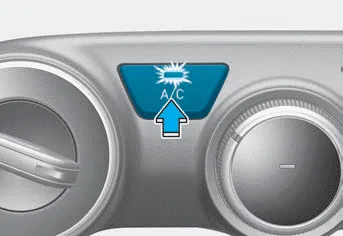
Push the A/C button to turn the system on (indicator light will illuminate) and off.
The air intake control button is used to select either Fresh mode (outside air) or Recirculation mode (cabin air). Recirculation mode When Recirculation mode is selected, air from the passenger compartment will be recirculated through the system and heated or cooled according to the function selected.
Cooling / Ventilation 1. Select the Face Level mode. 2. Set the air intake control to fresh mode. 3. Set the temperature control to the desired position.
Other information:
Hyundai Venue (QX) (2020-2026) Service Manual: Troubleshooting
Troubleshooting Problem Symptoms Table Before replacing or repairing air conditioning components, first determine if the malfunction is due to the refrigerant charge, air flow or compressor. Use the table below to help you find the cause of the problem.
Hyundai Venue (QX) (2020-2026) Service Manual: Components and components location
Categories
- Manuals Home
- Hyundai Venue Owners Manual
- Hyundai Venue Service Manual
- Convenient Features
- Tire Pressure Monitoring System (TPMS) (Type A)
- Brake System
- New on site
- Most important about car
